
Scan or upload
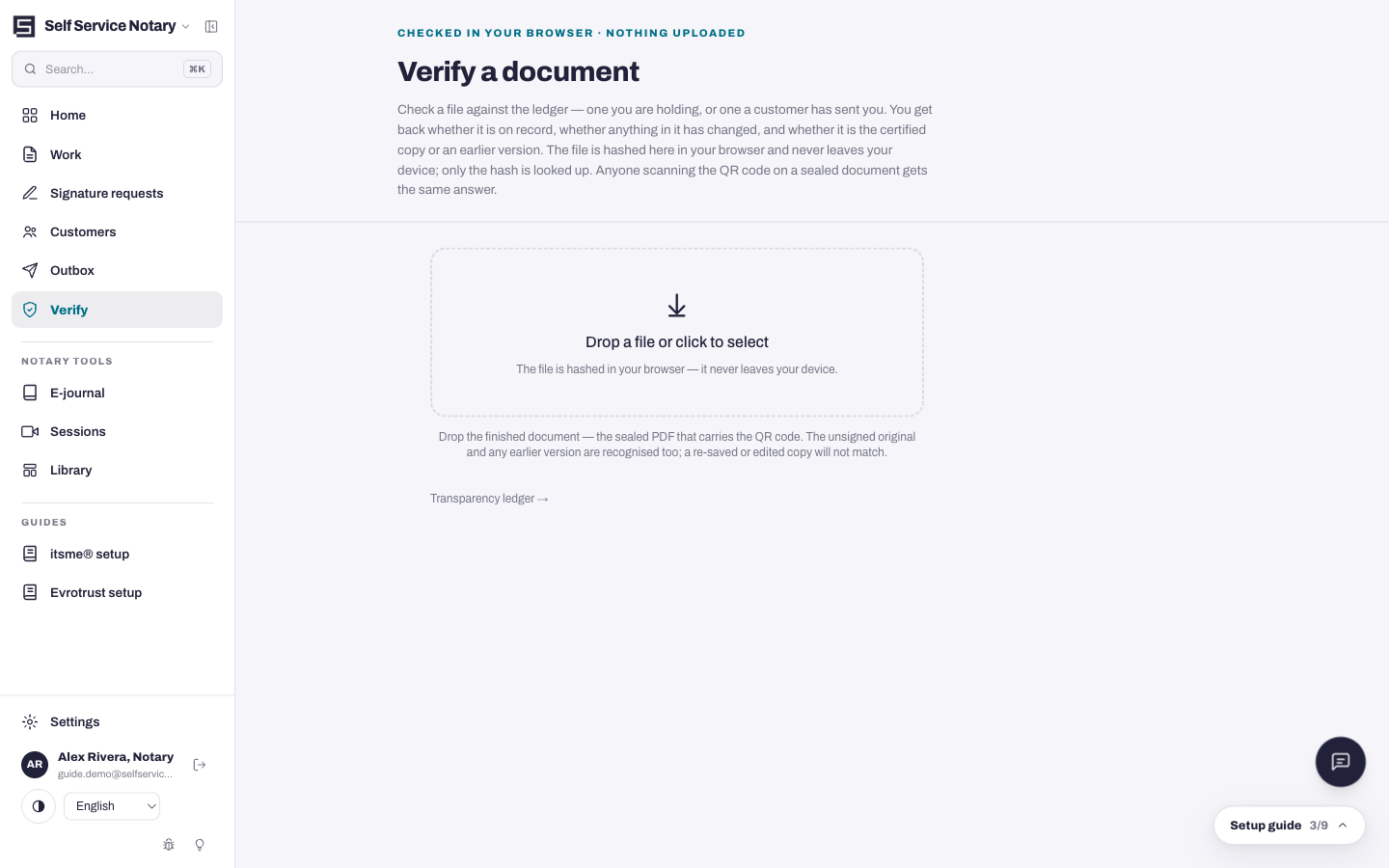
Every sealed document carries a verification badge — a QR code stamped onto its certificate page. Anyone can scan it with a phone; the badge's page opens instantly and answers the only question that matters: is this the document the notary sealed, unchanged?
- Scan the QR code on the document, or open the Verify link on the site and upload the file.
- The file's cryptographic hash is compared against the ledger entry made at sealing.
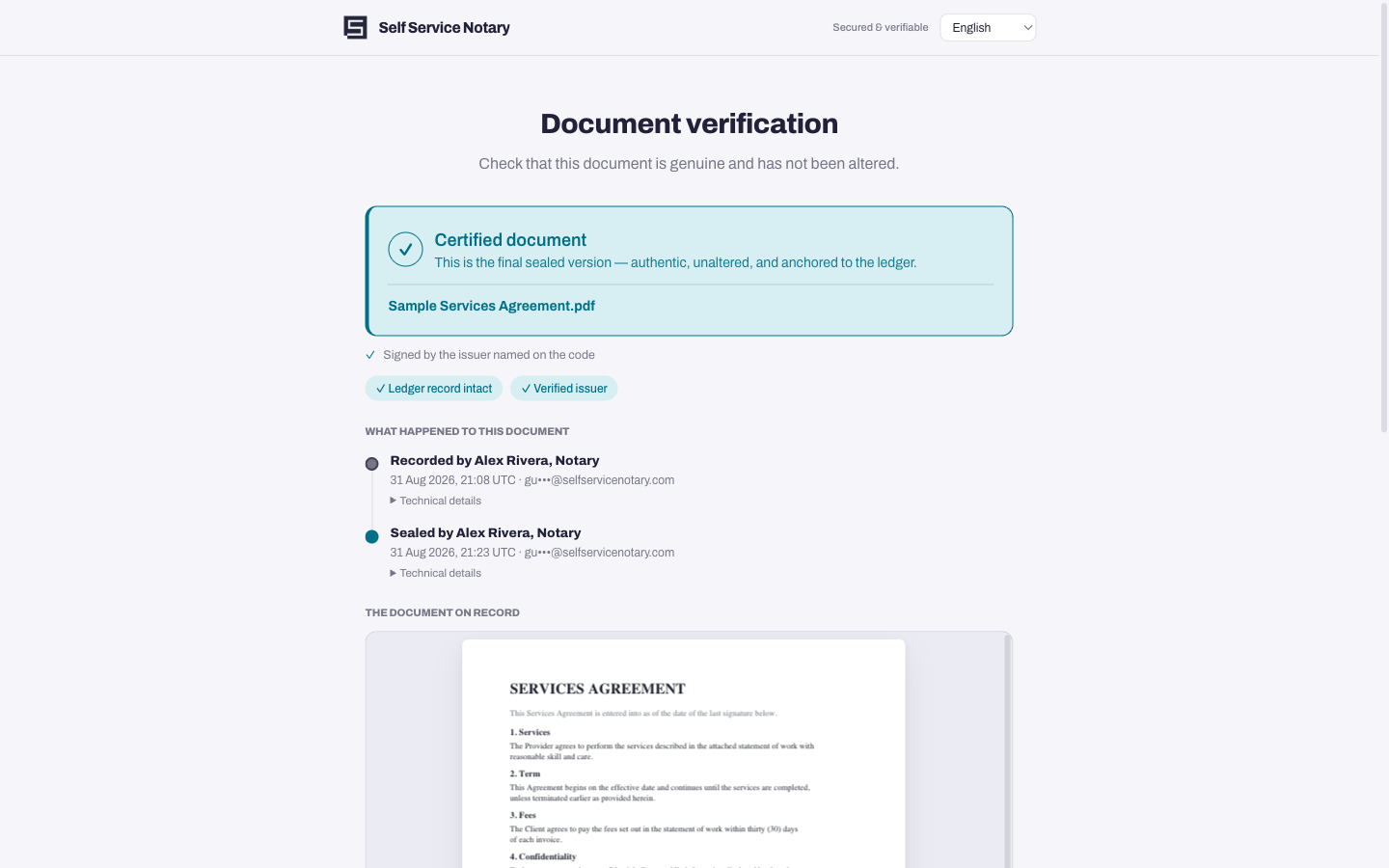
- The answer names the document, when it was sealed, by whom — or says the file does not match, which means it was altered after sealing.
The public page
The verification page is public: no account, no sign-in, nothing to trust beyond the mathematics. This is the page a stranger reaches by scanning the printed QR on a deed across a desk.
The ledger
Every seal is recorded in an append-only ledger — entries cannot be rewritten, only added. Verification checks against that record, not against a database row somebody could edit.