
Your book
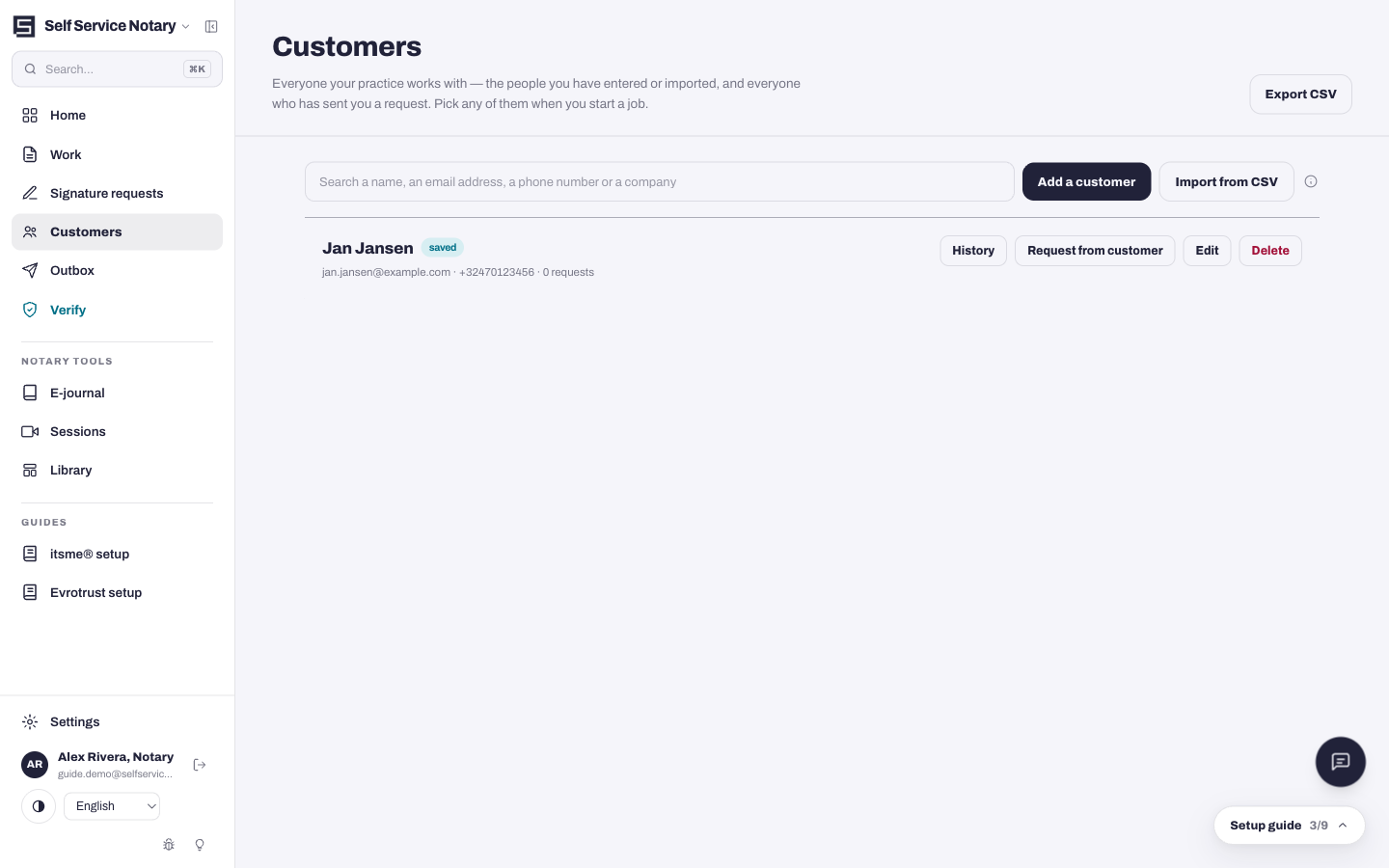
The Customers page is everyone your practice works with. Add one by hand, import your existing list, or share your portal link — customers who send you a request appear here on arrival.
- Press Add a customer, fill in their name and email — phone and company are optional — and save. Nothing is sent to them until you invite them to your portal or ask them for something on a job.
- Import from CSV brings your whole existing book over in one pass.
- Search by name, email, phone or company at the top; Export CSV takes the book back out at any time.
Attach a customer to a job
On the wizard's first step, each document shows its Customer — “Nobody yet” until you assign one. Press Assign to pick from your book; the customer then sees this job in their portal and their replies land on the right document.