
The queue
Once a document is sealed it appears in Qualified signatures — the whole application for a signing notary. One list of what waits, one button per row, and the finished pile underneath.
- Press Sign now on the row you want. A session you already started resumes with Finish signing instead — nothing is charged twice.
- You are handed to the qualified signature service, which shows you the document. Read it — this is your last look before it carries your signature.
- Enter the phone number your itsme® or Evrotrust account uses, with the country you registered there.
- Open the app on your phone, confirm the request, and enter your itsme® code or Evrotrust PIN.
- You are brought straight back to the queue, and the document moves down to Signed. Download the qualified PDF from there.
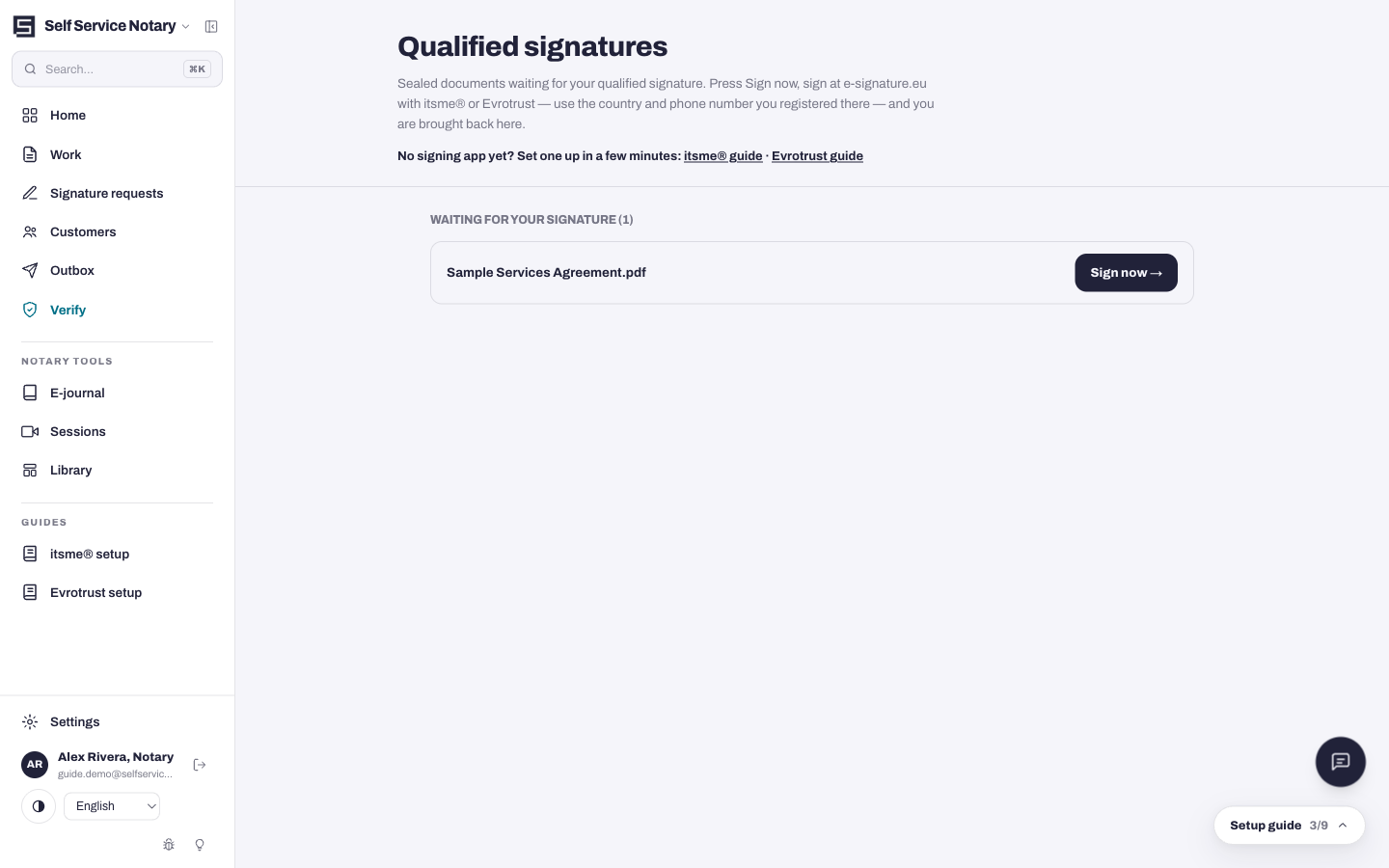
Set up the app once
The signature is made by a person, not a system: the app on your phone is what proves you are you and authorises each signature. Two apps are supported — pick by where your identity document is from.
- itsme® — for Belgium, the Netherlands and most of Western Europe. Set it up in five minutes: /help/itsme.
- Evrotrust — accepts passports from 69 countries including the United States, the United Kingdom, Canada and Australia. Set it up in three minutes: /help/evrotrust.
Why it is called qualified
A qualified electronic signature carries the same legal weight as a handwritten one everywhere in the EU — the highest standing the law gives an electronic signature. The green check in Adobe Acrobat comes with it automatically.