
Four shelves
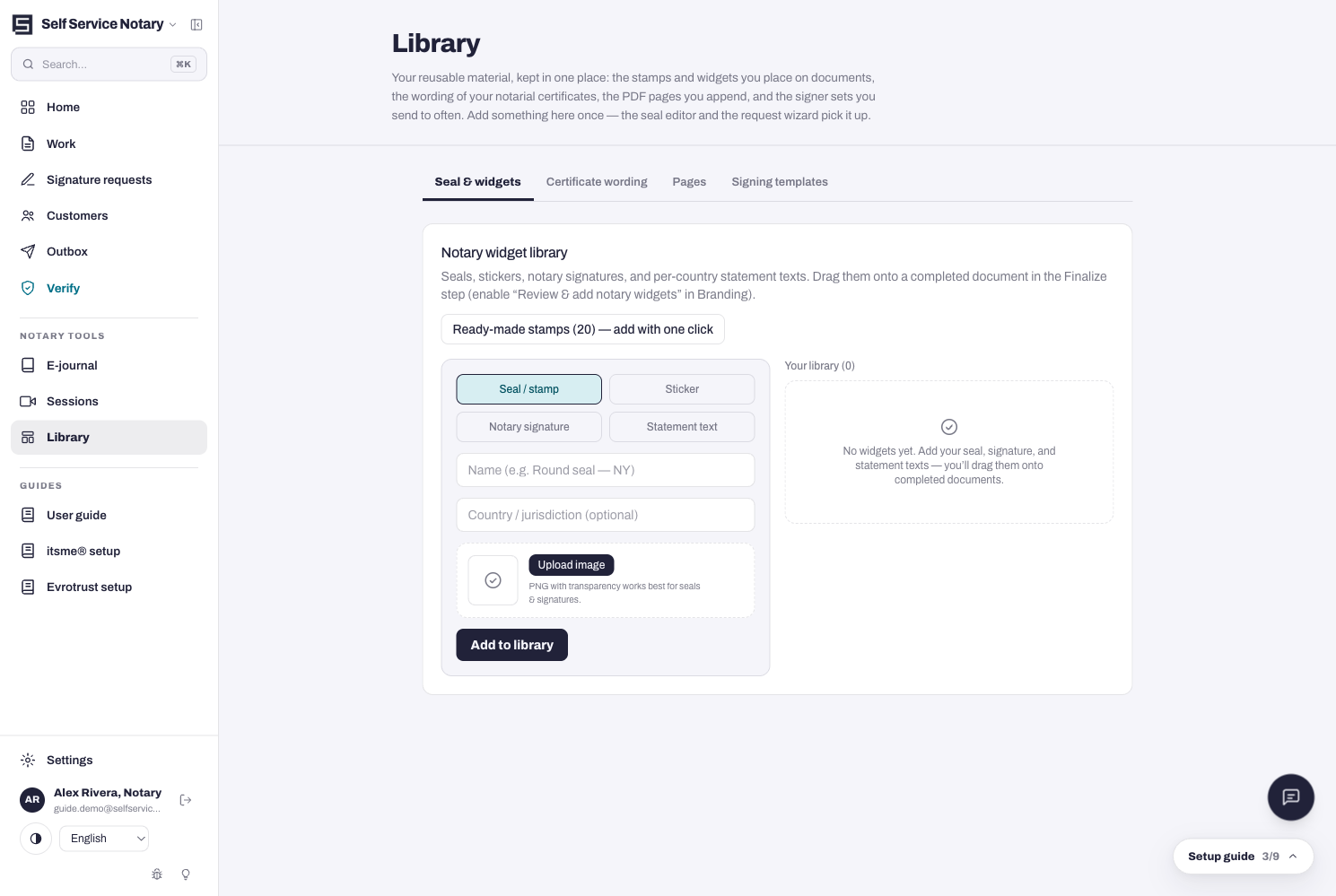
The Library in the sidebar is your reusable material: the stamps and widgets you place on documents, the wording of your notarial certificates, the PDF pages you append, and the signer sets you send to often. Add something here once — the seal editor and the request wizard pick it up.
- Seal & widgets — seals, stickers, notary signatures and per-country statement texts. Twenty ready-made stamps are one click away, and you can upload your own (PNG with transparency works best).
- Certificate wording — the wording of your notarial certificates, ready to pick in the seal editor.
- Pages — PDF pages you append to jobs, like cover sheets or annexes.
- Signing templates — the signer combinations you send to often, pre-filled in the wizard.
Where the widgets end up
Widgets are dragged onto a completed document in the seal editor's final step — turn on “Review & add notary widgets” in Branding if you want to place them by hand.