
Prepare a backup
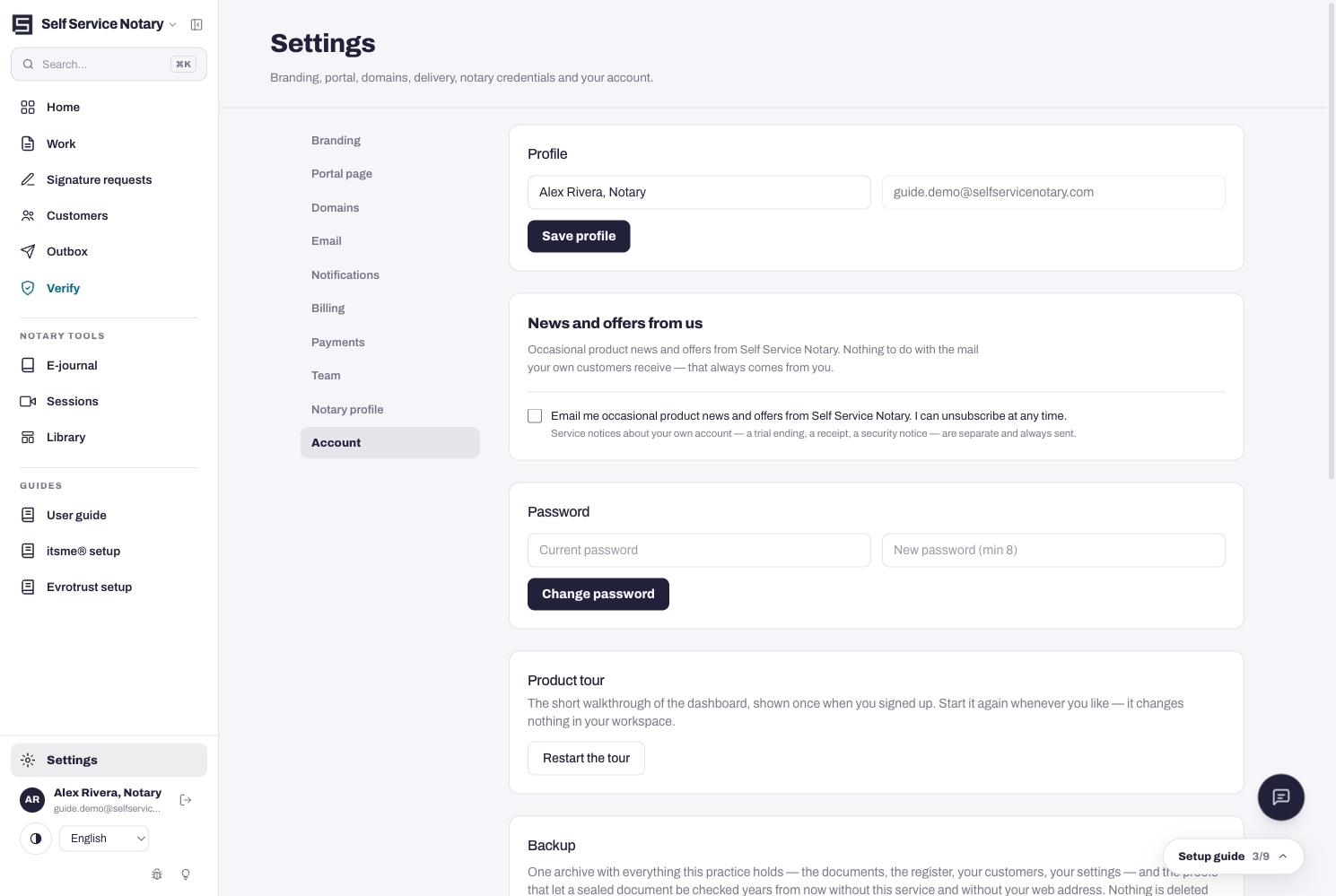
Settings → Account → Backup. Press Prepare a backup and you get one archive with everything this practice holds — the documents, the register, your customers, your settings — and the proofs that let a sealed document be checked years from now without this service and without your web address.
- Open Settings → Account.
- Press Prepare a backup and wait for the archive.
- Store it somewhere safe. Nothing is deleted by taking a backup — it is a copy.
The proofs are the point
A backup is not just your files: it carries what a stranger needs to verify a sealed document when neither this service nor your domain exists anymore. The same Account tab also offers the dashboard tour again, and the Danger zone's three depths of erasure — the tamper-proof ledger keeps its signed records (hashes, names, timestamps — never document content) at every depth, so verification links already printed on documents keep working.