

Written by the act itself
When you seal a document, its entry is added: the act, the parties, how they were identified, the venue and the statements you confirmed before sealing.
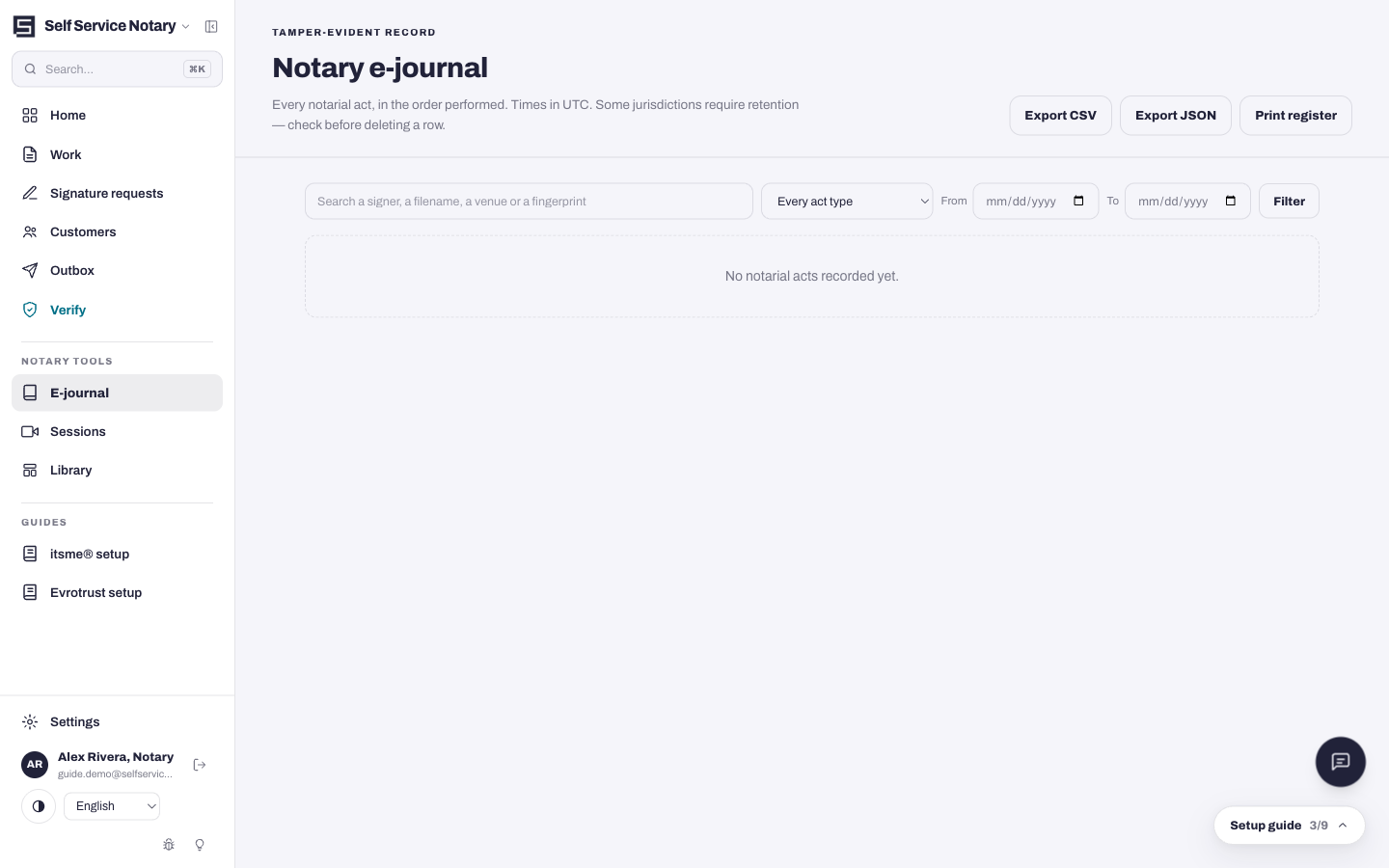
Notary e-journal
Complete an act, and its journal entry is already written. Date, act type, signers, ID method, venue and the document's fingerprint — in the order you performed them. Search it, print it, export it as CSV or JSON whenever you like.
…you need a logbook for notarizations you perform somewhere else. Entries are written by acts completed here; there is no free-form entry, and the journal does not capture a signer's signature or thumbprint.
The journal is one part of the practice software — the record at the end of the same flow that prepares and seals the document.
When you seal a document, its entry is added: the act, the parties, how they were identified, the venue and the statements you confirmed before sealing.
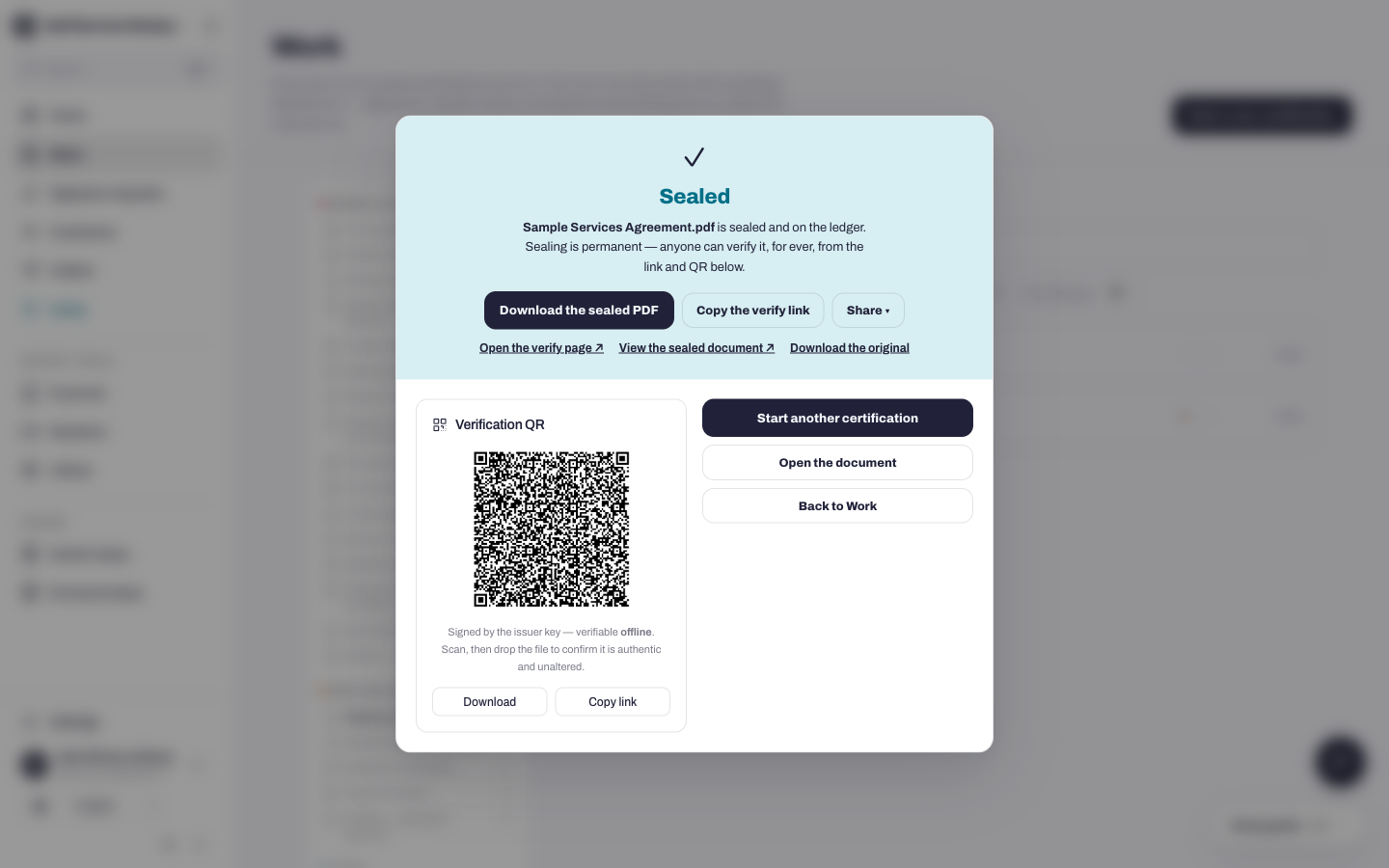
Each entry carries the document's SHA-256 fingerprint and links to the sealed copy — with its verification QR and public ledger entry.
Find an act by signer, filename, venue or fingerprint; filter by act type and dates. Print the register, or export it as CSV or JSON for your own records.
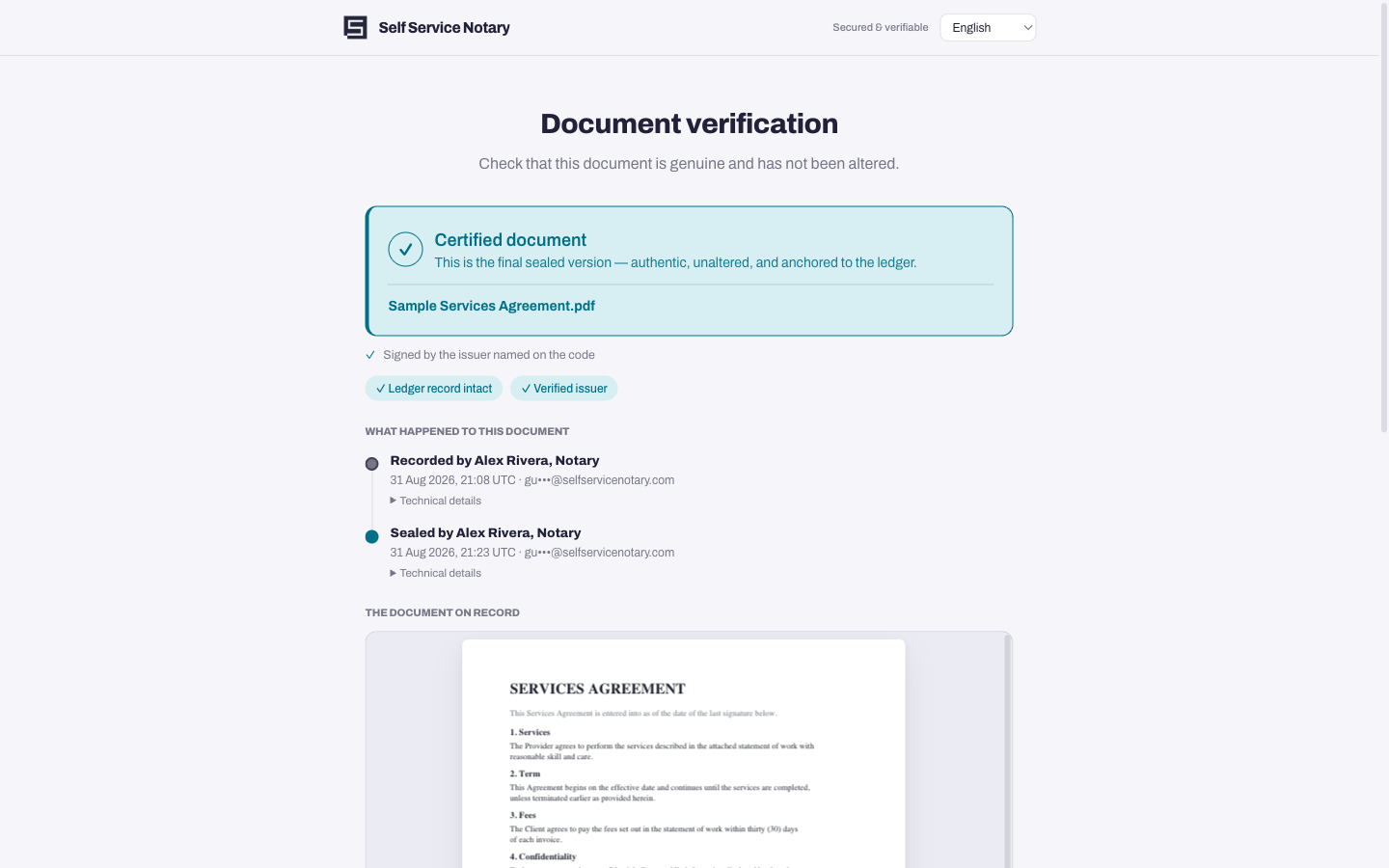
Document fingerprints sit on a public, append-only ledger. A recipient drops the file on your verification page and sees whether it is unchanged — the file never leaves their device.
States differ on what a notary journal must hold — some require the signer's signature, a thumbprint, the fee charged, or a journal in a set format. This e-journal records the act type, date, signers, ID method, witness, venue and document fingerprint. It does not capture signatures or thumbprints.
Check your state's requirements, and keep any journal your state or your RON platform requires alongside this one. Nothing on this page is legal advice.
Read what we claim, and what we don't →The entry is a result of doing the work, so it cannot fall behind.
Upload the document, add the signers and how each will be identified — or let your client prepare it on your portal.
Complete the act in person or on camera, confirm the act checklist and seal. The entry is written at that moment.
Open the e-journal any time: filter by act or date, print the register, or export CSV or JSON.
Free includes it, with no time limit. Paid plans lift the customer limit and add the rest of the practice.
Every plan starts with a 14-day trial of everything, with no card.
Plans are billed in EUR (€). A ≈ figure is an estimate at today's exchange rate — your card issuer converts at its own rate and may add a foreign-transaction fee.
The date and time, the act type, the signers, how each was identified, any witness, the venue, the statements you confirmed before sealing, and the SHA-256 fingerprint of the sealed document.
No. An entry is written when you complete an act in Self Service Notary, so the journal cannot drift from the work. It is not a free-form logbook.
That depends on your state. Some require a signer's signature, a thumbprint, the fee or a set format, and this journal does not capture signatures or thumbprints. Check your state's rules and keep any journal it requires alongside this one.
Yes. Export the whole journal as CSV or JSON, or print the register, at any time and on any plan.
The e-journal is included on every plan. Free covers your first 5 customers with no time limit; Solo is €29 a month and Practice €89, priced and billed in euros.